
Remove objects
1 creditMark an object with your finger and it disappears: cables, boxes, bins, small furniture. The rest of the photo doesn't change.
AI Lab
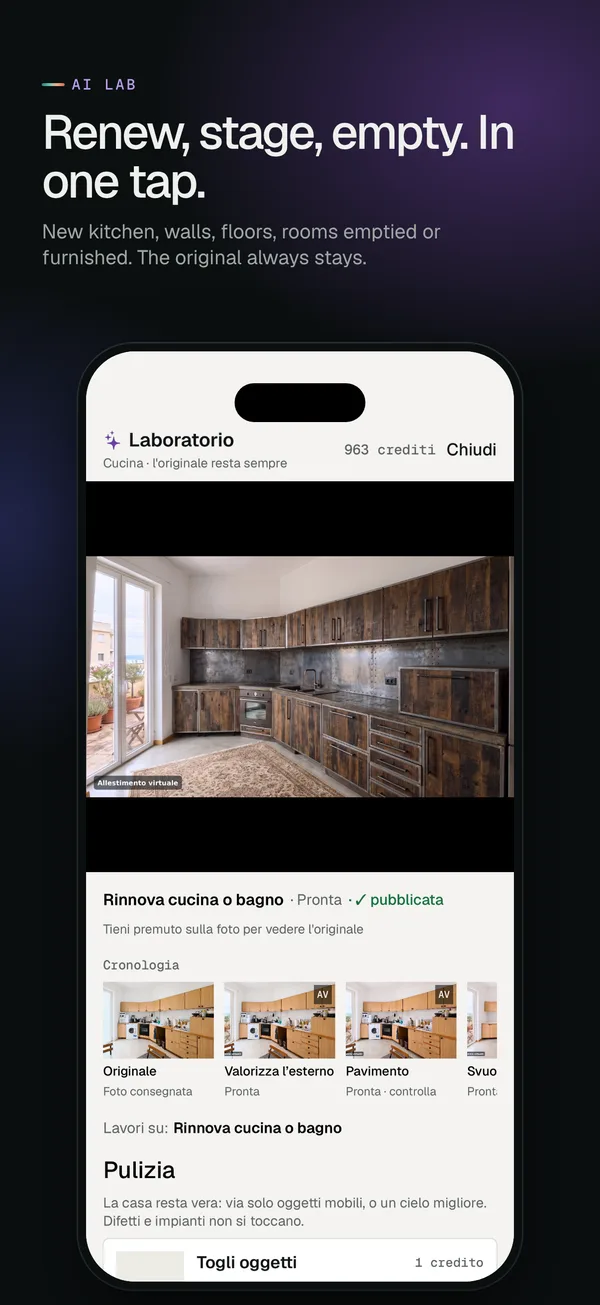
Eskatta's Lab renews your listing photos: it removes objects and clutter, empties or stages rooms, changes walls and floors, renovates the kitchen or bathroom. The original is always kept. Choose the tool, look at the example, decide which version goes in the listing.
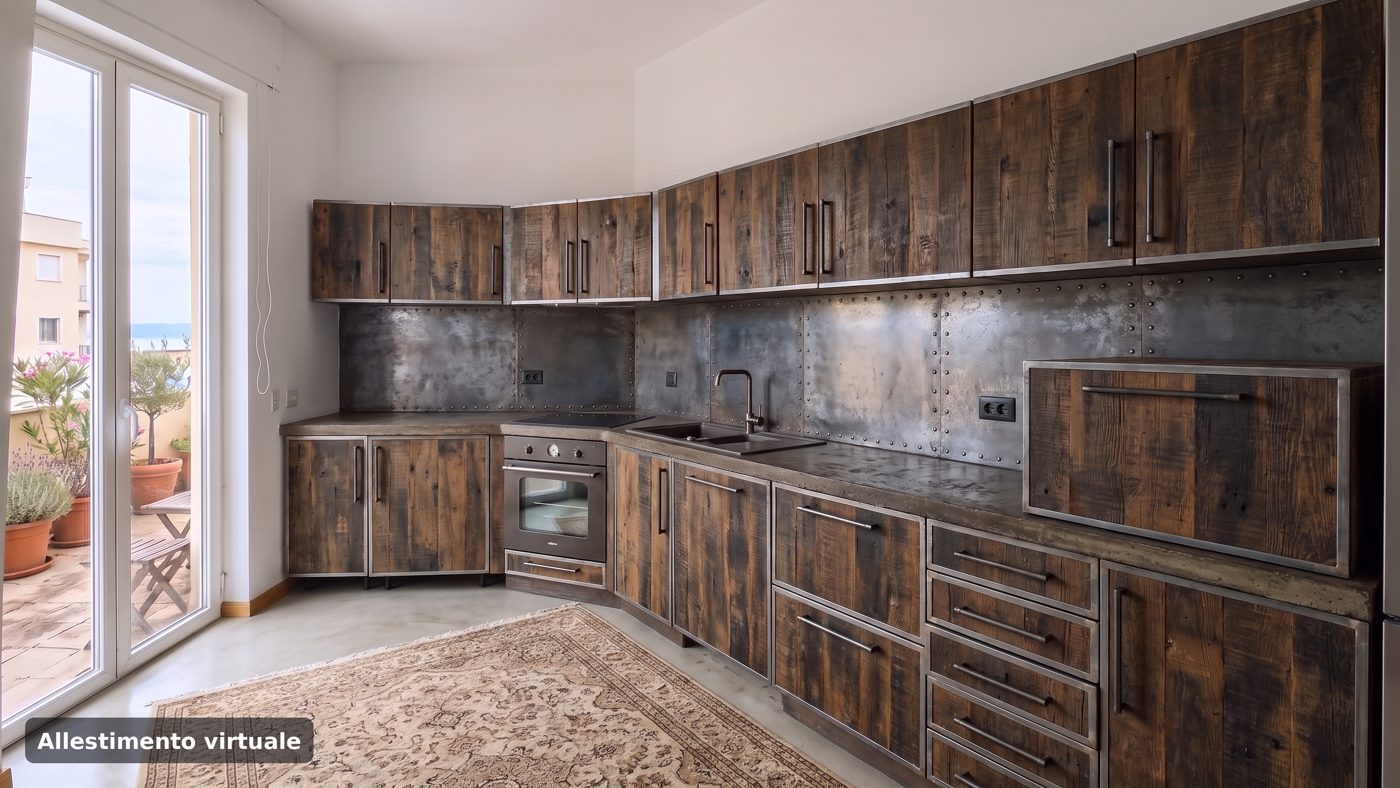
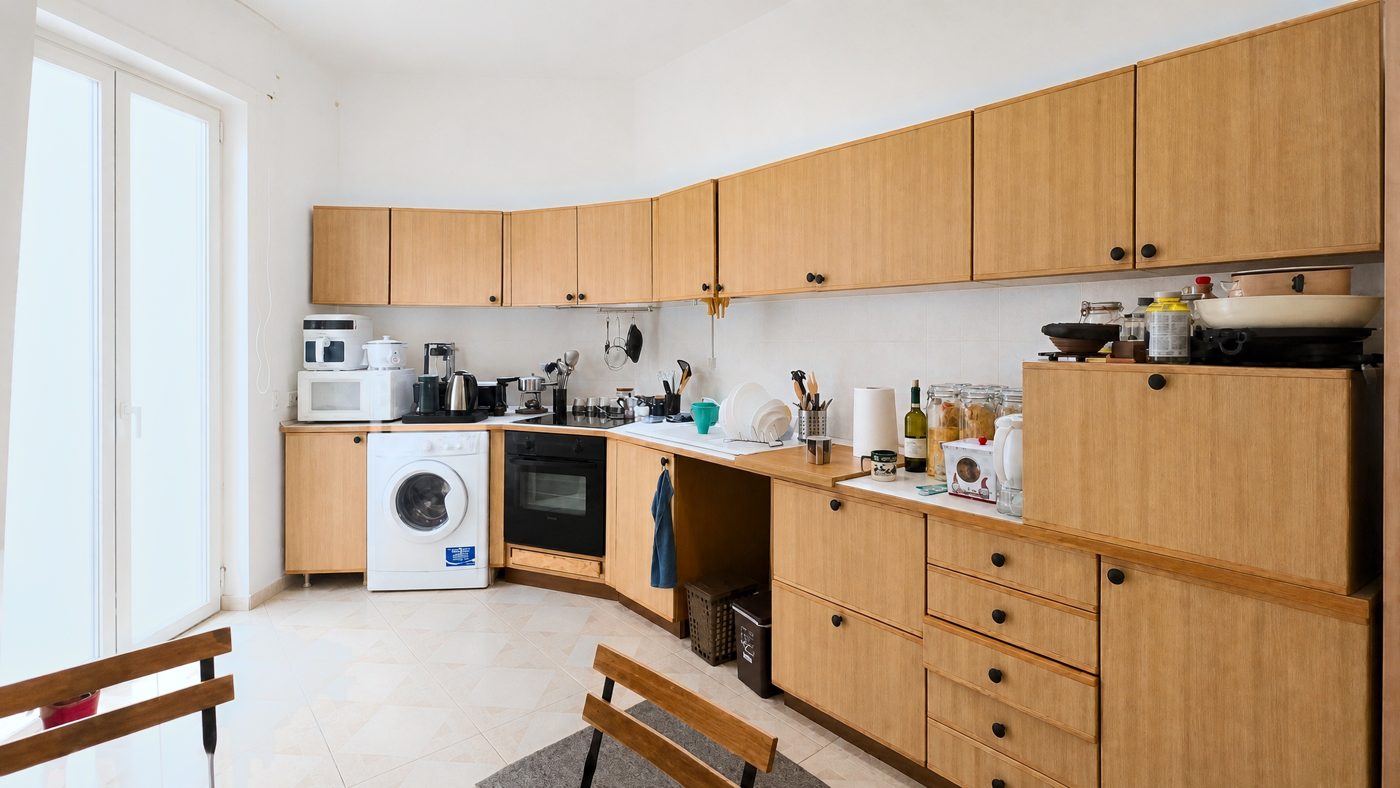 BEFOREAFTER
Renovate kitchen or bathroom · Kitchen · Industrial
The property stays real: only movable objects go, or a better sky arrives. Defects and fittings are never touched.
Mark an object with your finger and it disappears: cables, boxes, bins, small furniture. The rest of the photo doesn't change.
Removes everyday clutter (scattered objects, cables, small piles) and leaves furniture and structure as they are.
Removes cars, bins, signs and passing objects in front of façades, courtyards and terraces.
For exterior photos: a grey or blown-out sky becomes clear, hazy or at sunset. Buildings and garden stay identical.
A proposal to help people imagine the property: furniture, colours and finishes change, walls and windows don't. It carries the «Virtual staging» label.
Removes furniture and movable objects. Walls, floor, windows, doors and fixed fittings stay.
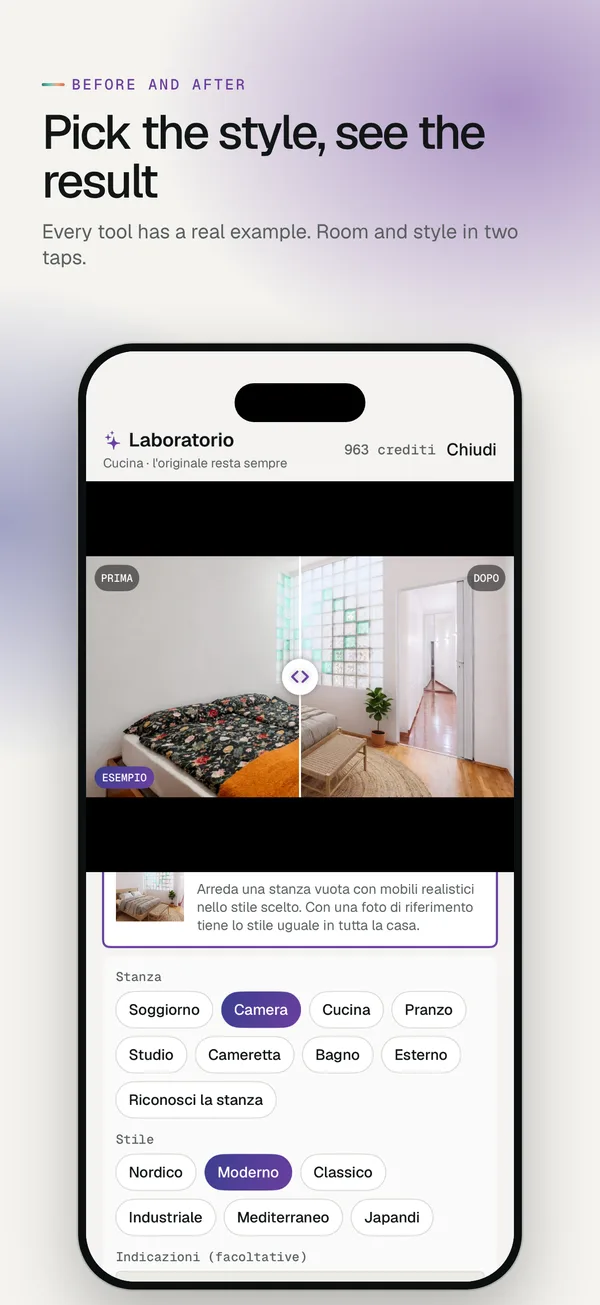
Stages the room with realistic furniture in six styles. With a reference photo it keeps the same style throughout the property.
New furniture in the chosen style, in the same place and with the same proportions.
Repaints all the walls, or only the one you mark, in one of eight colours. Floor, ceiling and furniture don't change.
A new floor from eight materials, in the right perspective, under the existing furniture.
New doors, worktops, tiles and sanitaryware; plumbing and openings stay where they are.
A tidy garden, green lawn, clean pool, outdoor furniture. The house and boundaries stay identical.
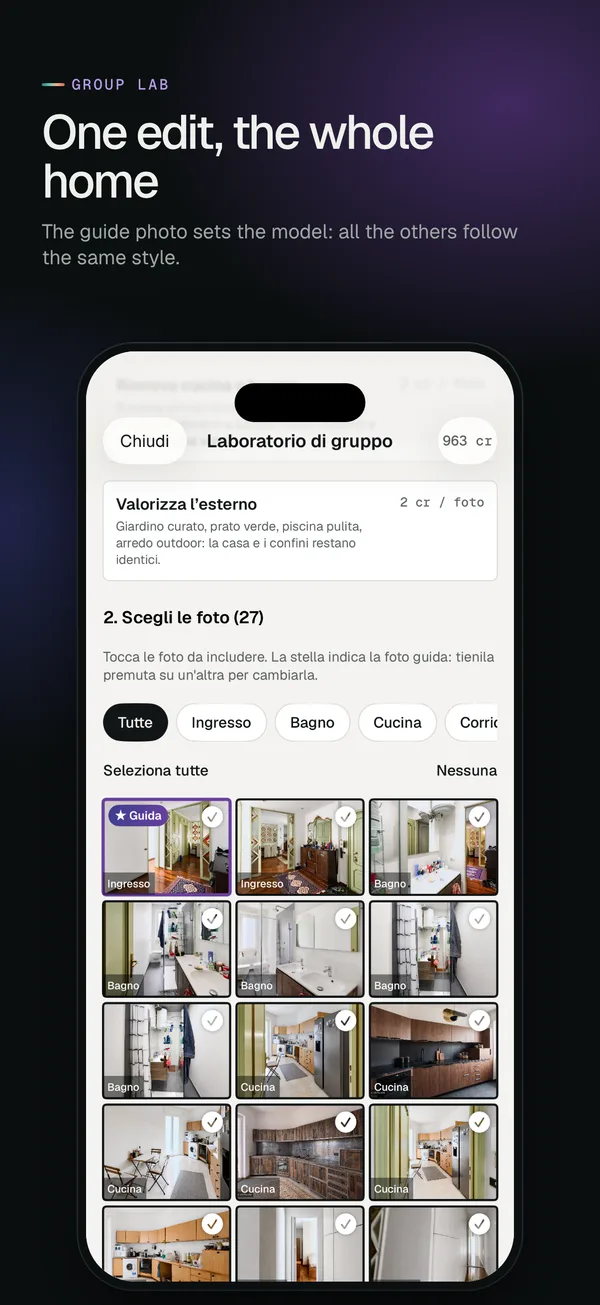
Group Lab
The same floor in every room, the same furniture style, the same wall colour: choose the tool and the photos, approve the guide photo and the others follow it. Versions that didn't work are retried with one tap, the ready ones go into the album all together.
People looking for a home must be able to trust the photos. That's why the original is never lost, every Project proposal carries the «Virtual staging» label and every Eskatta photo states that it was edited with AI, in the file data too. Before publishing, always compare the result with the real room.
They start from your photo and edit it. The Cleanup tools only remove movable objects or replace the sky; the Project tools are a proposal (furniture, colours, finishes) and carry the «Virtual staging» label. The original photo always stays in the album.
Each tool shows the credits before starting: 1 credit for most of them, 2 for Renovate kitchen or bathroom and Enhance the exterior. In the Group Lab each photo counts as one edit.
Yes. Every version stays in the photo's history: you choose which one to use in the album, or go back to the original with one tap.
It works on the photos of your properties in Eskatta, from the iPhone and Android app and from your computer. If the result isn't convincing, regenerate it or discard it: always compare it with the original before publishing.
Yes, as long as viewers understand it's a proposal: keep the «Virtual staging» label, publish the real photo of the room too and don't hide defects. We cover this in the virtual staging guide.